Find the missing pieces in any LEGO® set.
Check off each piece as you find it. We'll help you work out what's missing, then buy the pieces in a couple of clicks.
Free. No account needed.
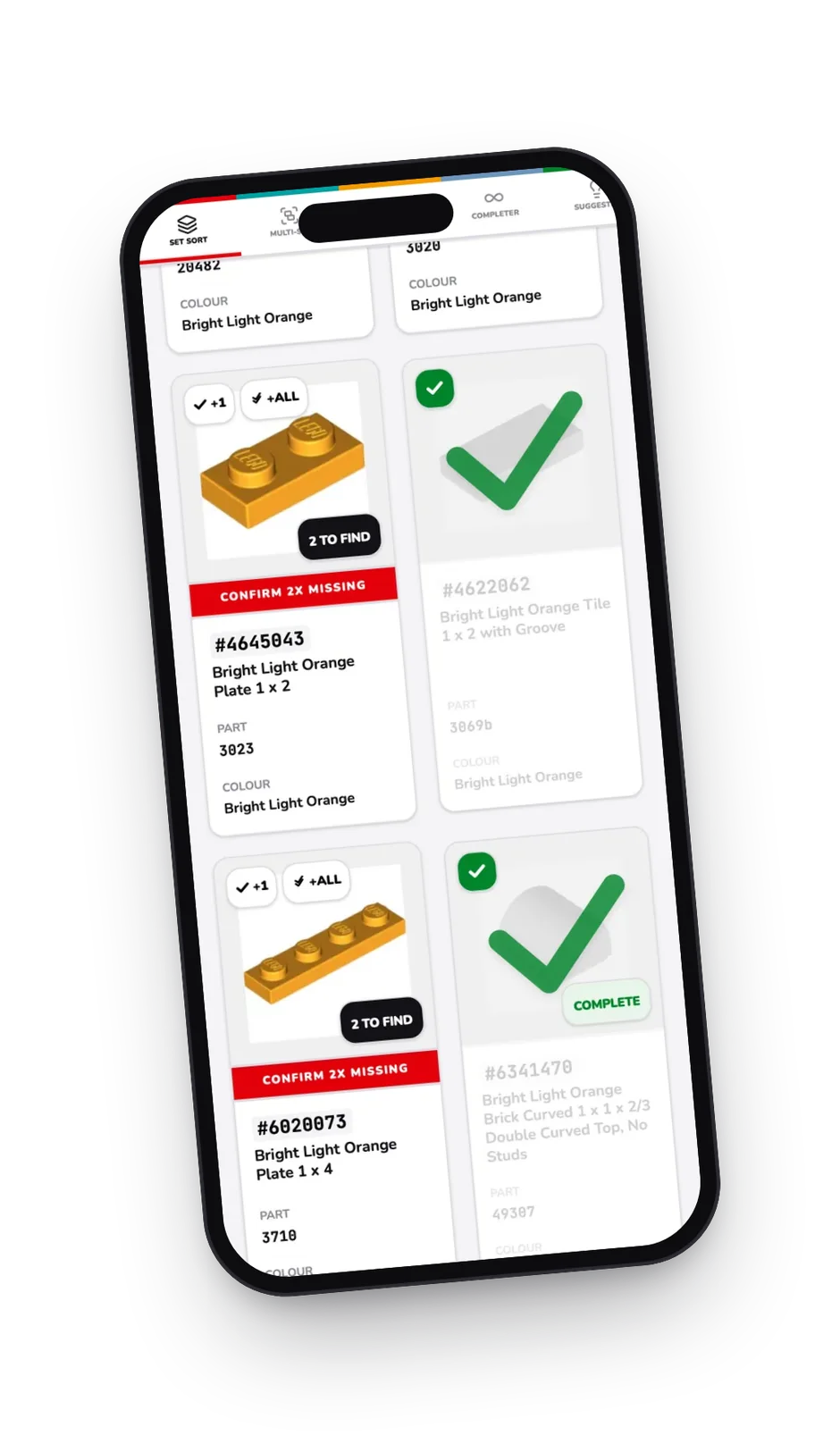
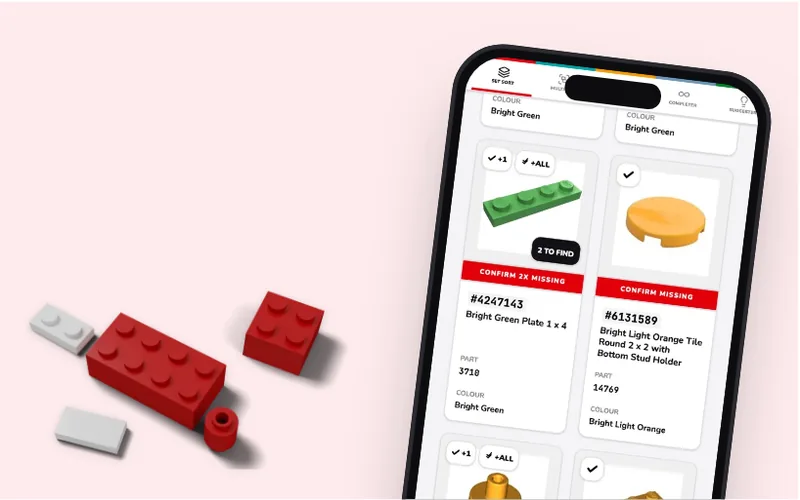
Missing pieces?
Pick your set and tick off each piece as you find it. Whatever's left is your missing list.
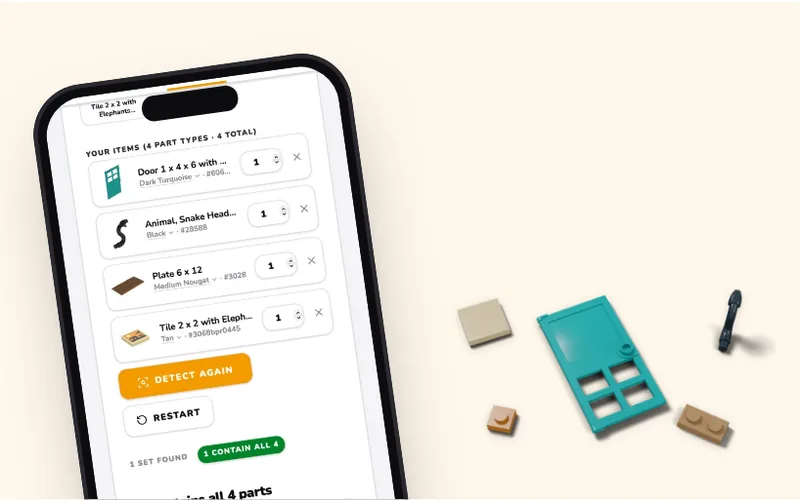
What set is this piece from?
Got a pile of loose pieces? Scan them with your camera or pick them from a list, and Set Detector works out which sets they came from.
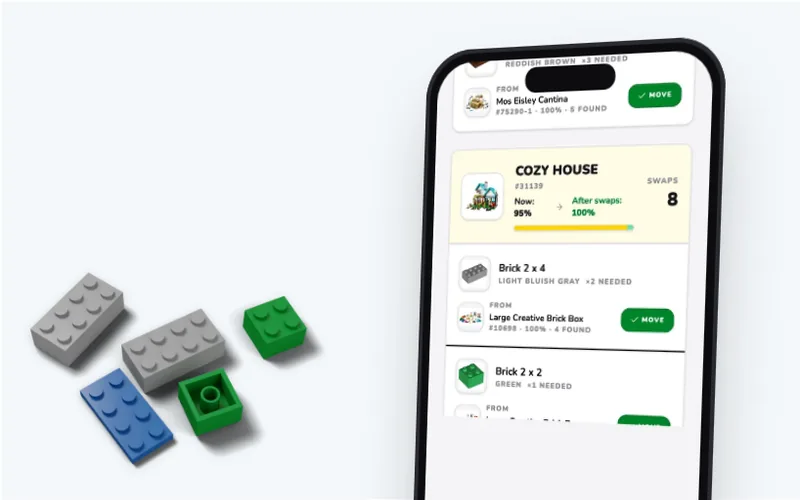
Get what's missing
Set Completer checks your other sets for the pieces first. Then send the rest to a wanted list and buy them online.
How it works
- 1
Find your set
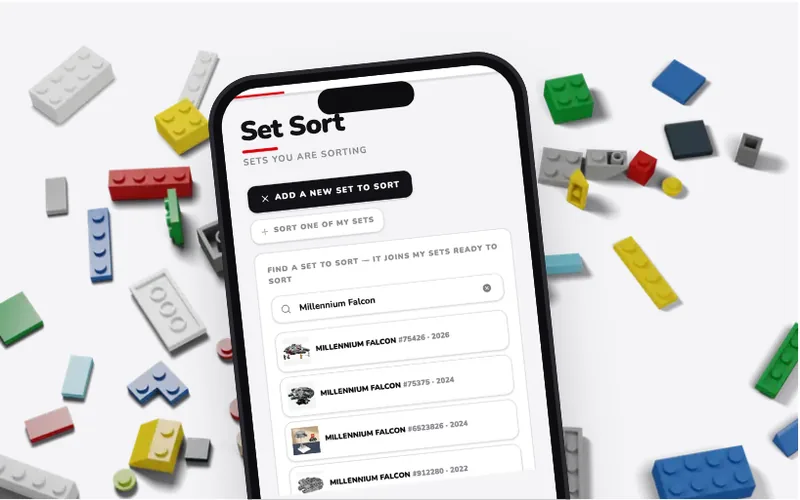
Search by name or set number. Every LEGO® set with a published pieces list is here.
- 2
Tick off what you find
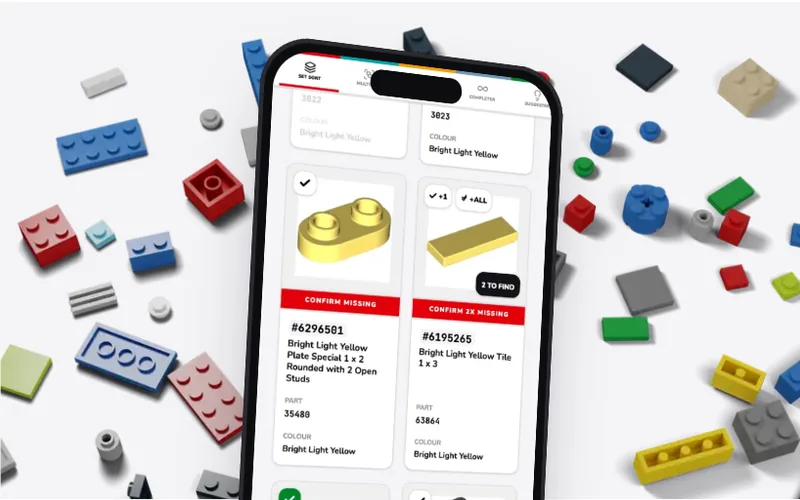
Every piece is shown with a picture and its colour. Filter by colour to match your pile, or scan a piece you can't spot.
- 3
See what's missing
Tap Sort Complete and anything you haven't found goes on your missing list, ready to buy.
Missing a piece? Here's what to do.
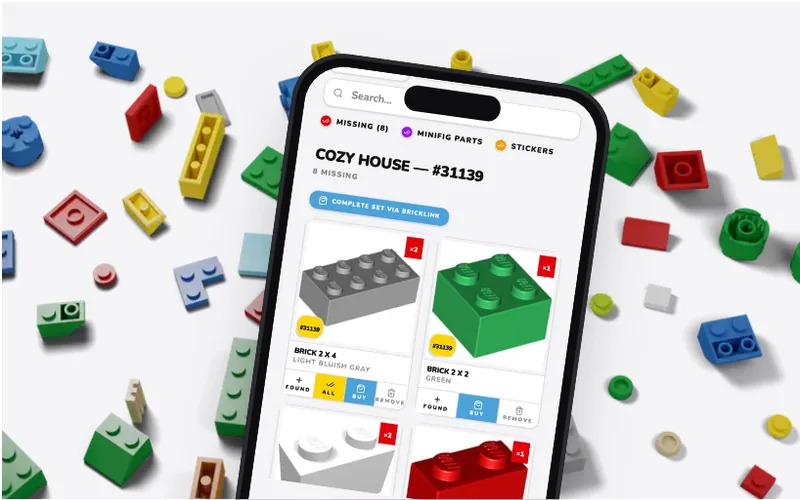
Know exactly what you need. Sort the set and Bricking It lists every missing piece, with its picture, colour and how many you're short.
Own other sets? Set Completer checks whether the pieces you need are sitting in another of your sets.
Buy the rest. Send your missing list to a wanted list on an online brick marketplace and buy from sellers worldwide.

Made by fans
Built by Ryan and Steve – two busy dads and lifelong LEGO® fans who needed to sort through the chaos of thousands of bricks and couldn't find the tool to do it.

100% Free
Free to use, with no ads. Always.

No account needed
Start sorting straight away. Sign up when you want your sorts saved and synced across your devices.
Made for the real world
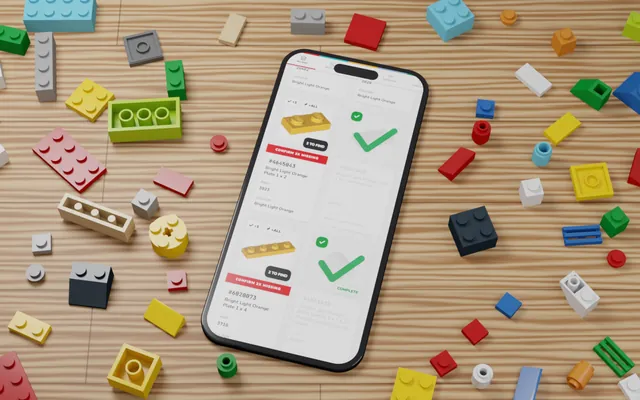
Works on your phone, tablet or laptop, so you can sort your LEGO® sets right amongst your bricks.
